Now available on iOS
Your daily pollen companion
Real-time pollen data for your exact location. Know what's in the air before you step outside.
Real-time pollen data for your exact location. Know what's in the air before you step outside.
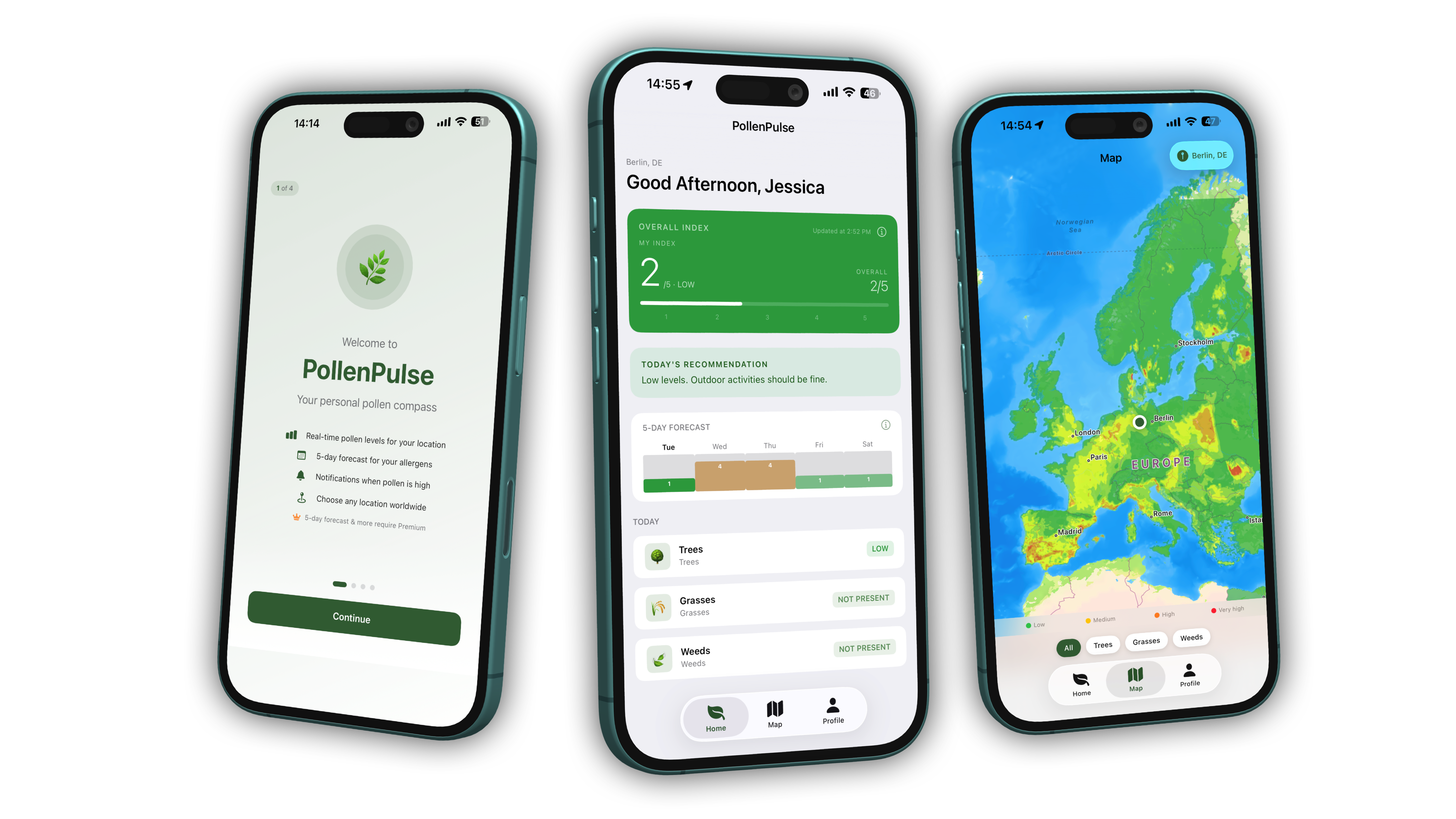
Birch, alder, grasses, rye and more - broken down by type and intensity.
Plan your week - when is it low enough to be outside?
Precise data for your exact location - not just the whole city.
Alerts when pollen spikes, tailored to your allergens.
Free from the App Store - installed in seconds.
Tell the app which pollen affects you - once, in 30 seconds.
Daily personalised data - you'll always know what to expect.
Questions about the app, your subscription or technical issues? Just send us an email – we usually respond within 24 hours.
✉️ Send an emailbusiness.edelmann@outlook.com
PollenPulse tracks three main categories: trees (e.g. birch, alder, ash), grasses (e.g. rye, timothy), and weeds (e.g. mugwort, ragweed). The free version shows the daily index, Premium gives you the 5-day forecast for all three types.
PollenPulse works across Europe – including Germany, Austria, Switzerland, France, Italy, Spain, Poland, and many more – as well as Japan, the US, and Canada. Over 65 countries in total.
Please make sure PollenPulse has location access: Settings → PollenPulse → Location → Always or While Using the App.
You can cancel your subscription anytime in iOS Settings → Apple ID → Subscriptions.
PollenPulse is a solo project. If you like the idea and want to support development, every contribution helps - no matter how small.
☕ Buy me a coffee